Introducing
Luminos Pro
The world’s most advanced mobile astronomy app

⇩ Scroll to learn more ⇩
-
![]()
Easy to use
Luminos Pro features an intuitive and uncluttered interface
-
![]()
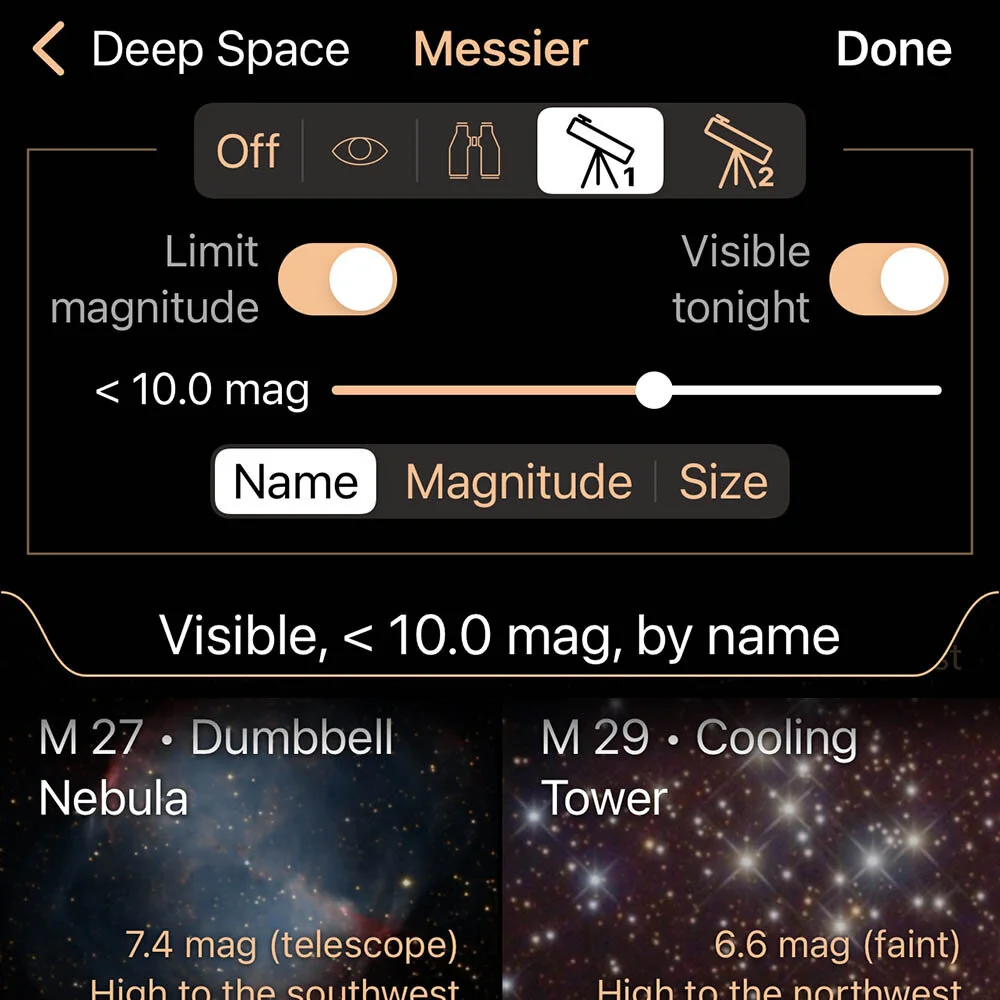
Vast databases
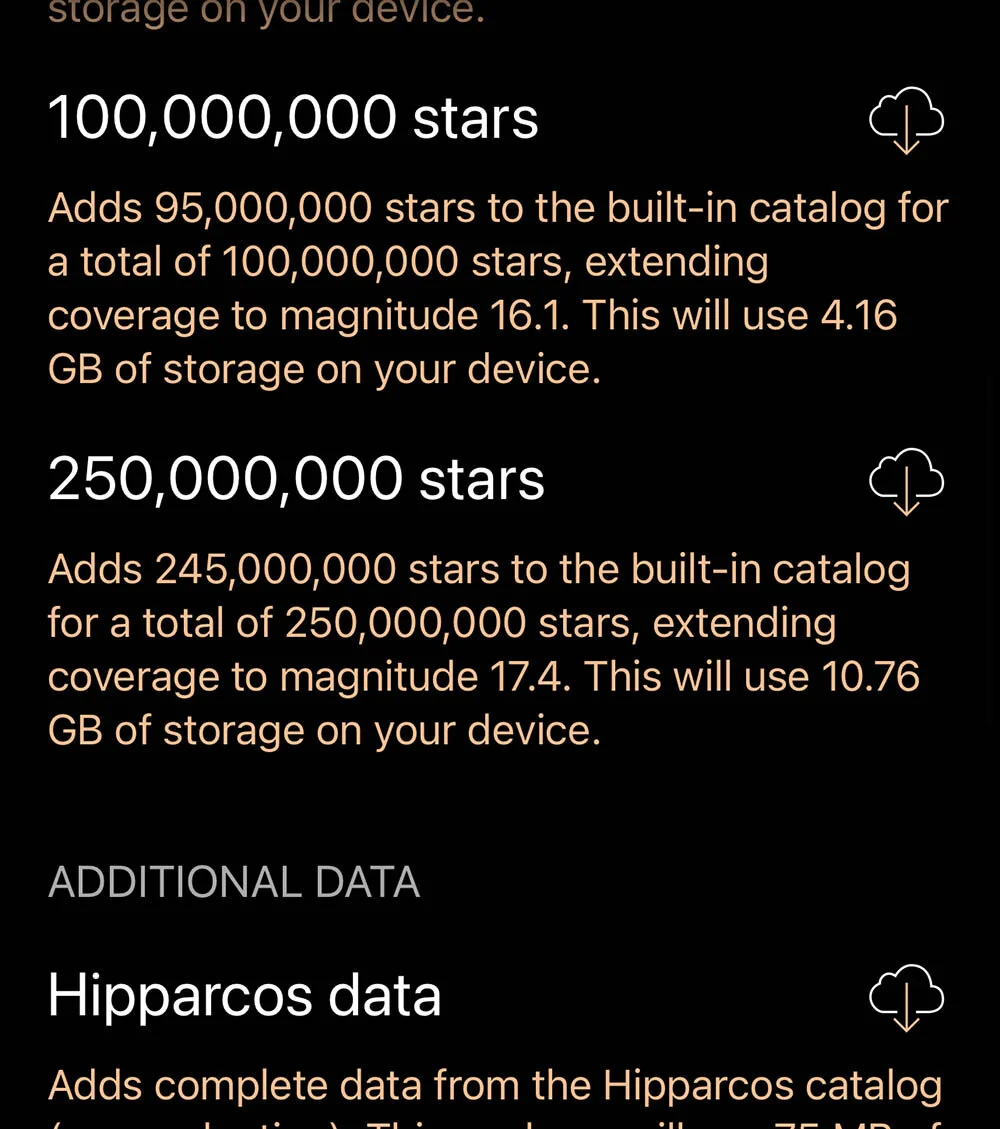
Find what you're looking for in the largest databases of any mobile astronomy app
-
![]()
Observation tools
Manage equipment, control a telescope, and calculate your optical path with tools to get the most out of your time under the stars
-
![]()
Equipment manager
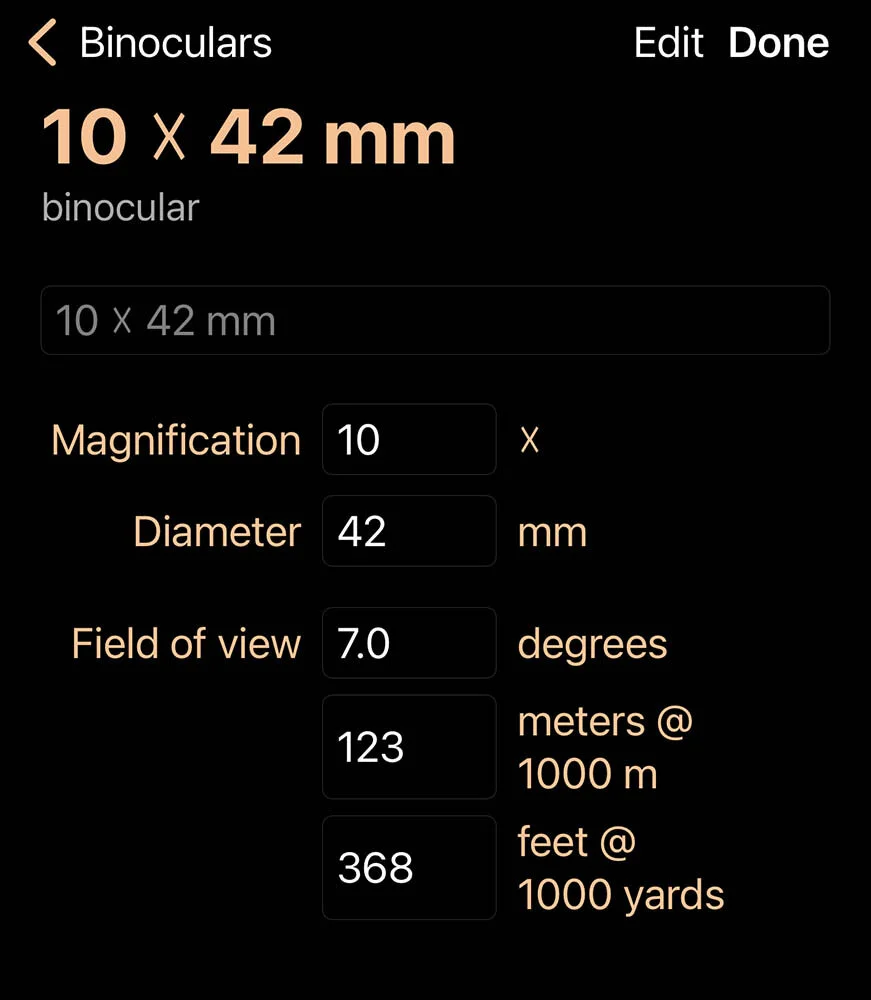
Store your personal collection of eyepieces, binoculars, cameras, focal reducers, Barlows, and telescopes
-
![]()
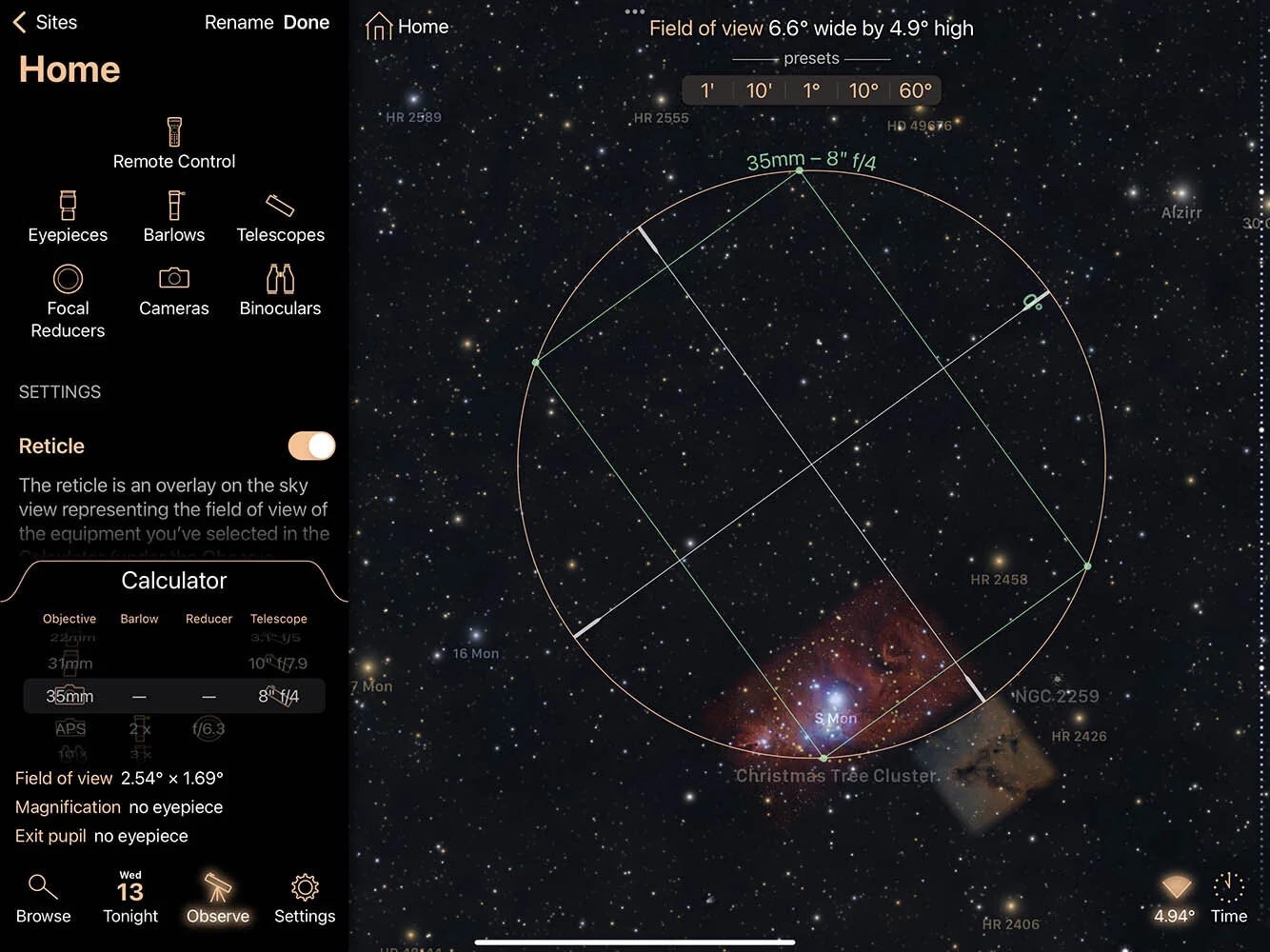
Equipment calculator
Experiment with combinations of your equipment to find the ideal configuration
-
![]()
iCloud Drive
Your equipment and lists are stored in plain text files, which you can edit directly if desired. If iCloud Drive is enabled, then the equipment and lists are automatically sync'd between your devices.
-
![]()
Telescope control
Luminos Pro can control many models of telescopes with support for many telescope features and functions, including goto, centering, guiding, parking, and accessories like shutter controls and focusers.
-
![]()
Zero configuration
SynScan app users and AstroPhysics CP3/CP4 users can connect to their mounts with a single tap and no configuration
-
![]()
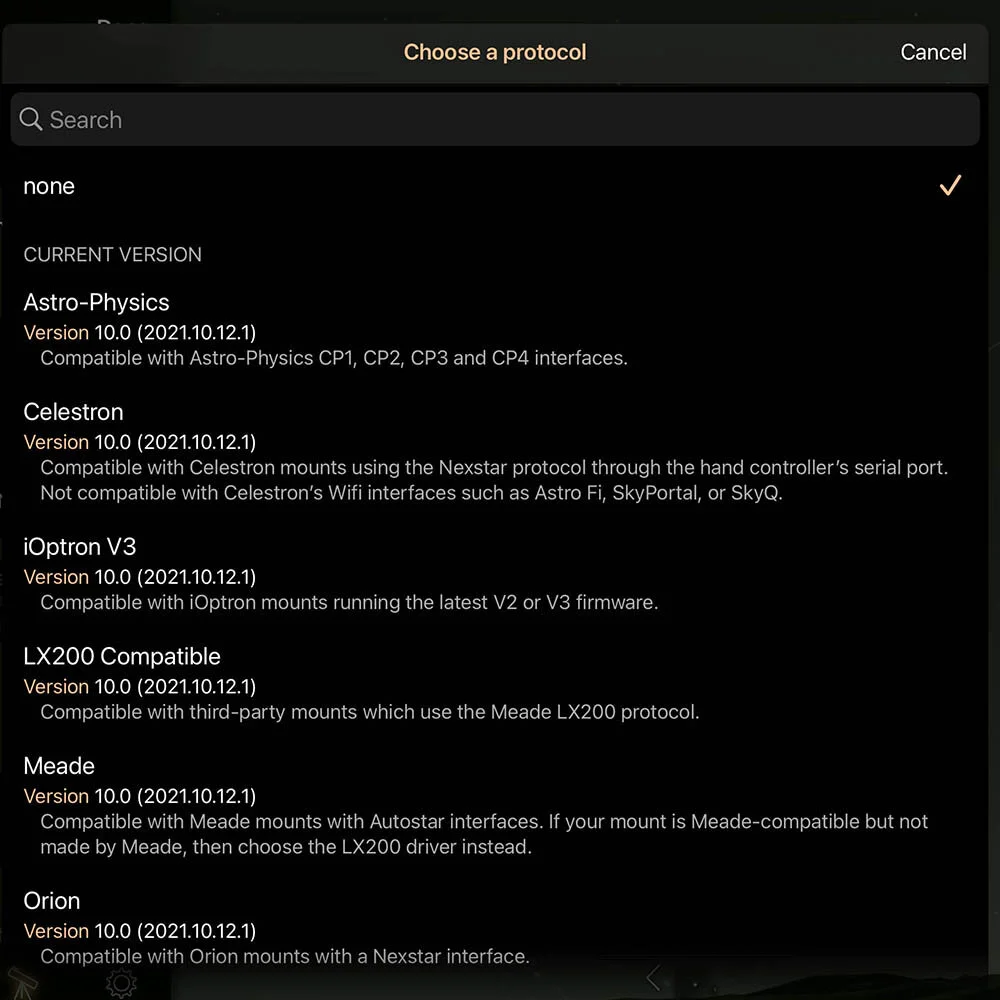
Telescope protocols
Luminos Pro supports many telescopes with popular protocols for a wide variety of manufacturers and models
-
![]()
Seamless 3D flight
From takeoff to landing, Luminos Pro flies you seamlessly to other planets and stars, for a true sense of space and a fully immersive experience
-
![]()
Distant skies
Experience space from other planets, moons, and stars
-
![]()
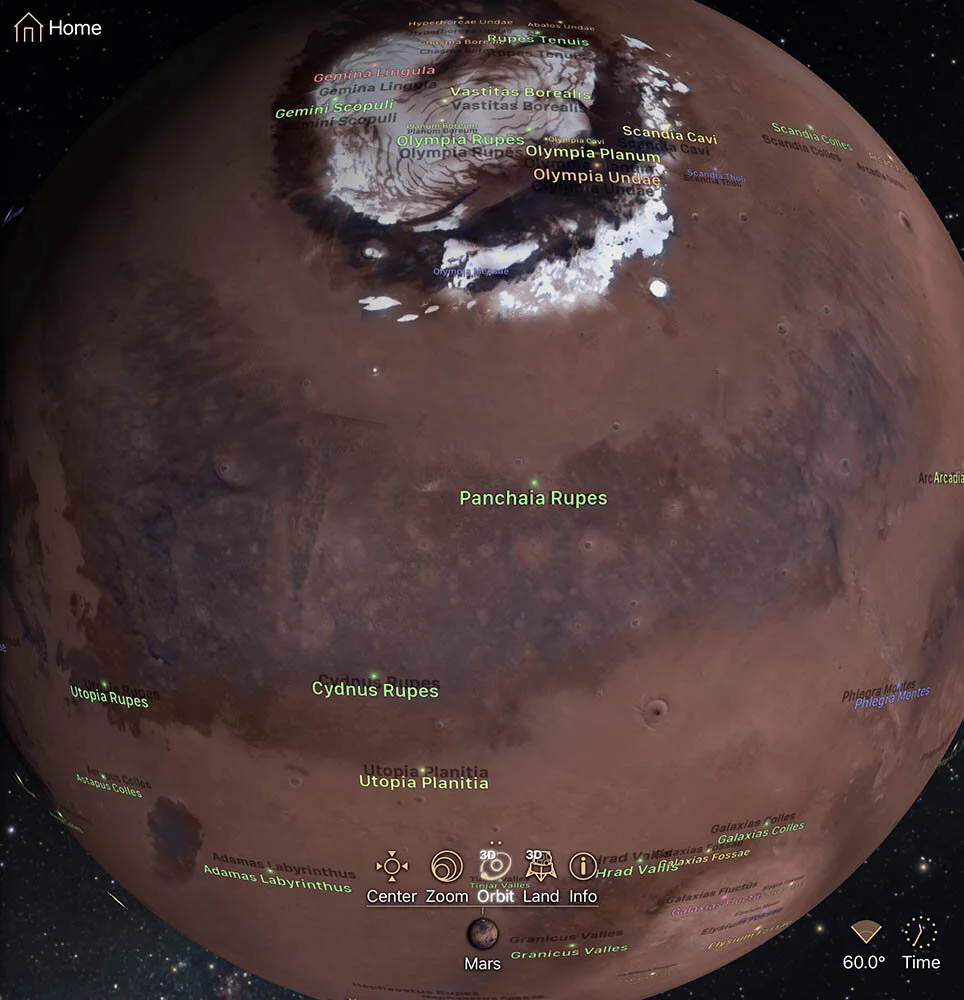
Surface features
Planet and moon surface features are marked and labeled in 3D, with maps up to 100 megapixels to show you all the details
-
![]()
Extreme magnification
Other apps give up on letting you zoom in close and resort to showing you photos instead, but Luminos Pro's precision engine lets you examine surface features on planets and moons or even distant star systems up close directly in the sky view.
-
![]()
Solar eclipses
Explore 5,000 years of solar eclipses spanning 2000 BCE to 3000 CE, with detailed thumbnails for quickly locating observable eclipses, and detailed maps for precise planning.
-
![]()
Shadow chaser
Whether you're in the eclipse path or not, Shadow Chaser makes it fun to follow along as the moon's shadow passes over the Earth
-
![]()
Lunar eclipses
Luminos includes 5,000 years of lunar eclipses spanning 2000 BCE to 3000 CE, with thumbnail maps for quickly locating observable eclipses
-
![]()
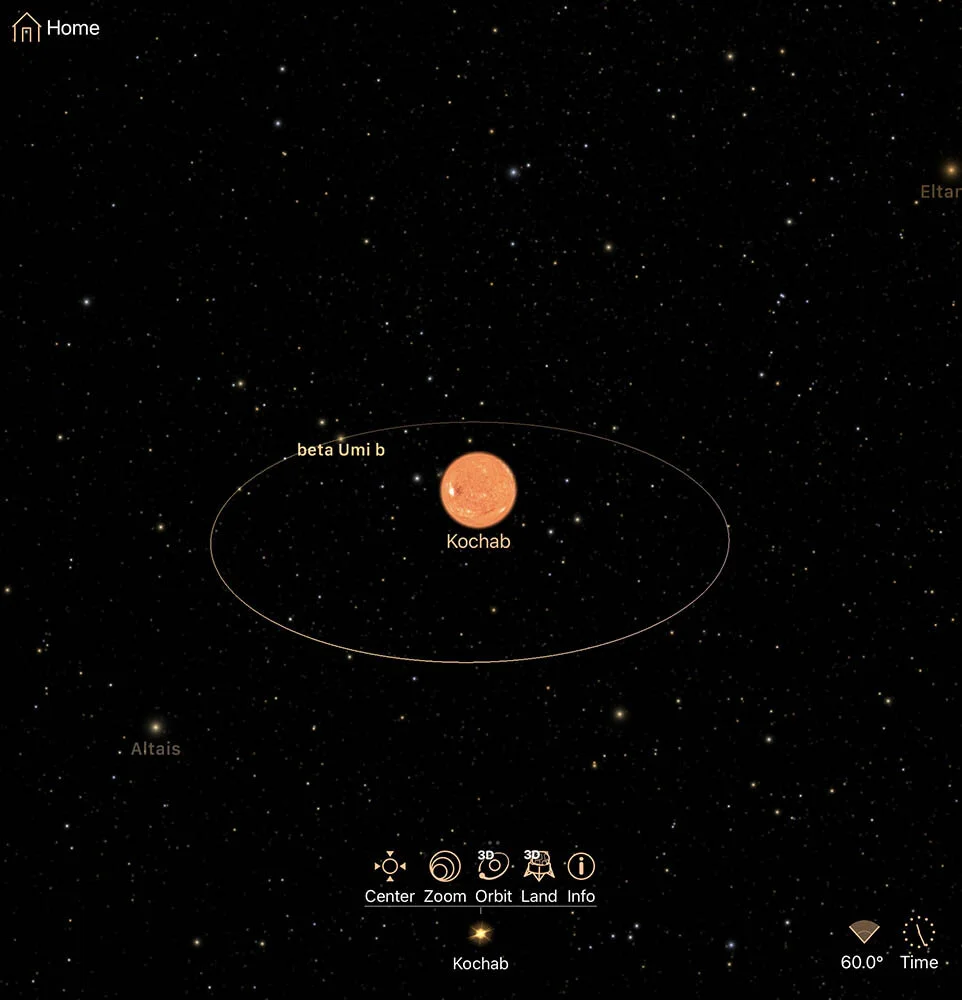
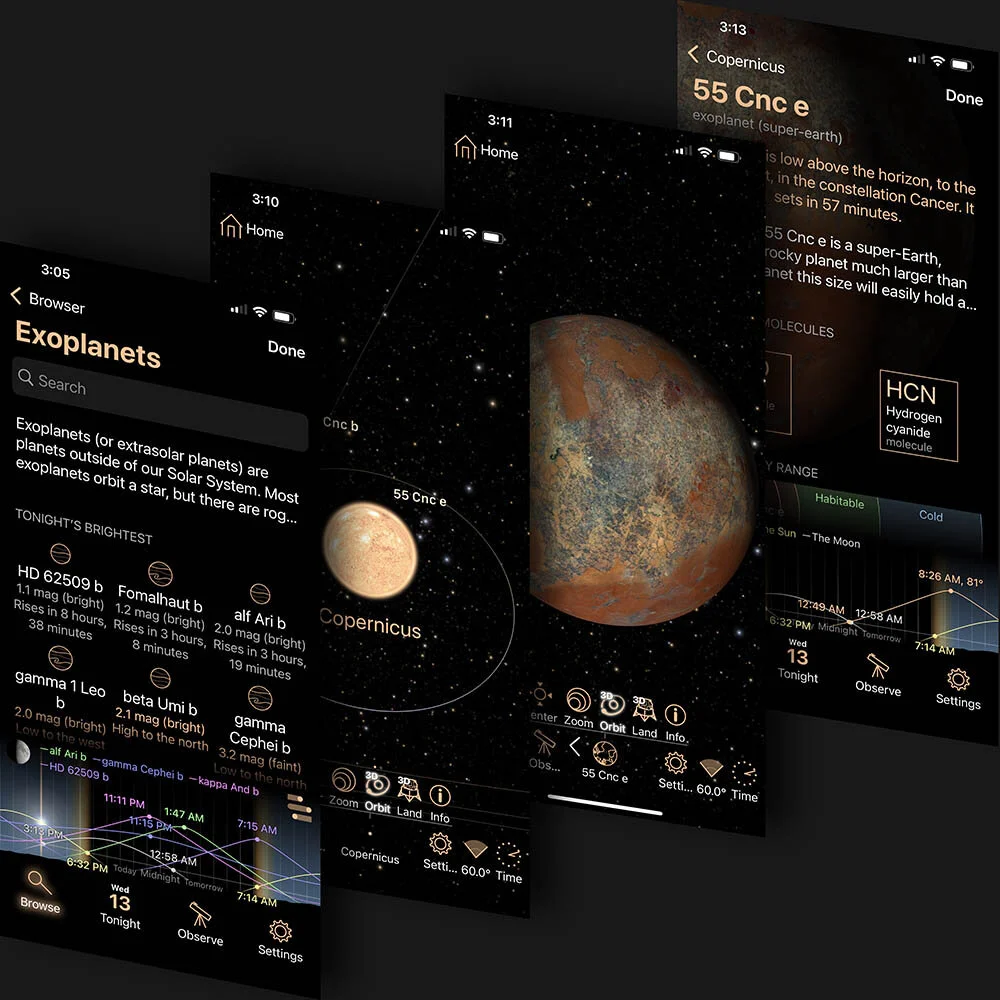
Exoplanets
Learn about exoplanets, and explore the known exoplanets and their star systems, then fly to them in seamless 3D flight!
-
![]()
Custom lists
Create custom viewing lists and track your progress in completing them
-
![]()
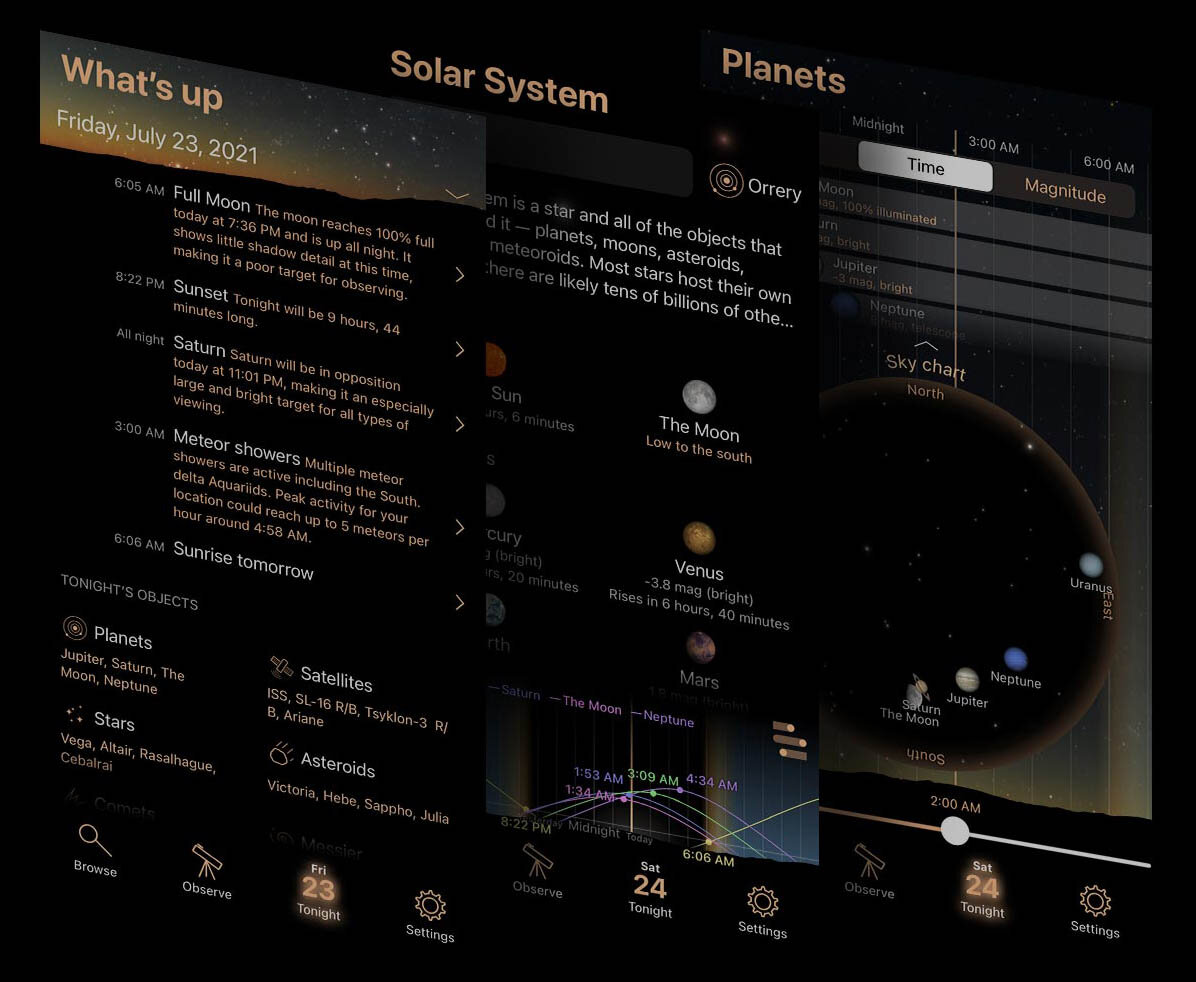
Intelligent recommendations
Luminos Pro tailors its suggestions to give you useful recommendations on things to see during your night out
-
![]()
Altitude charts
Handy altitude charts are available on nearly every object and list page - even custom lists
-
![]()
Sorting and filtering
Use filters and sorting to find the most interesting viewing targets
-
![]()
Customization
Custom tailor your experience with numerous settings for tweaking Luminos Pro's behavior and appearance
-
![]()
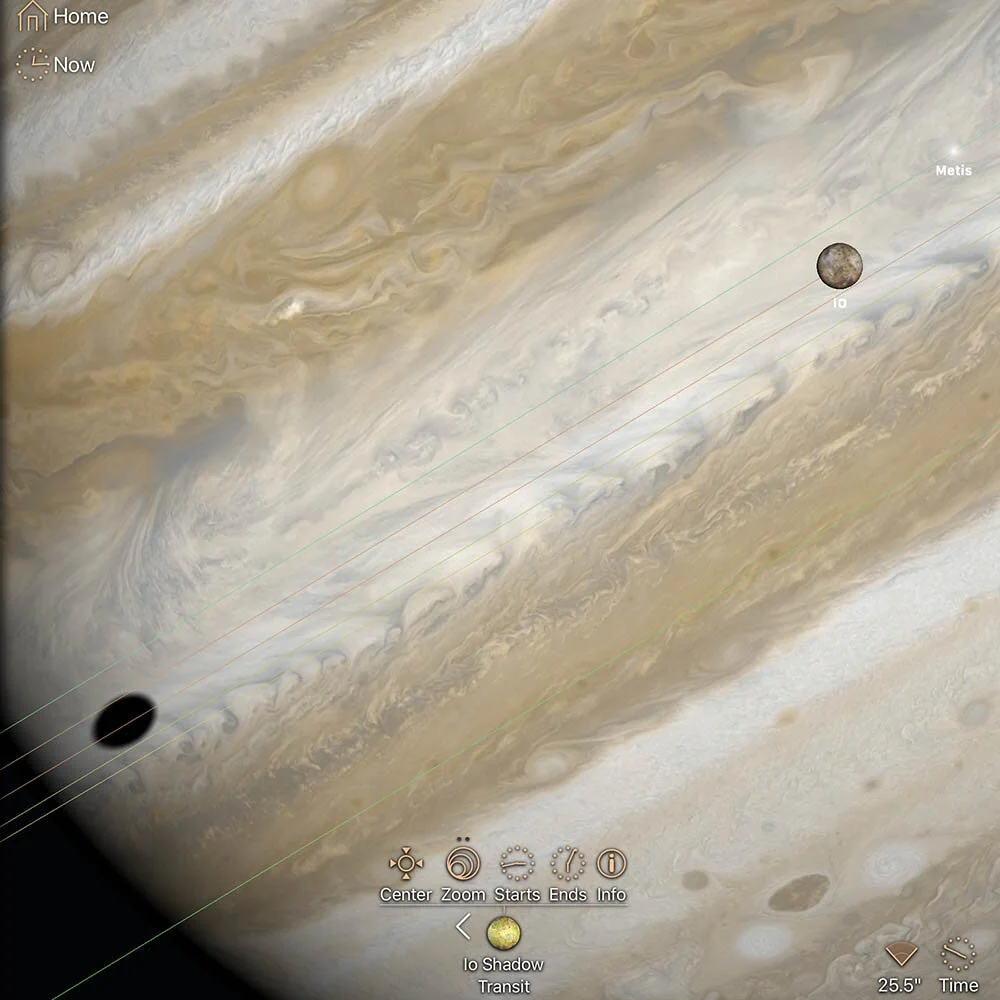
Transits and occultations
Find transits and occultations of the Great Red Spot and the Galilean moons
-
![]()
Meteor showers
Browse meteor shower activity throughout the year, and see your own local viewing conditions for any night
-
![]()
Moon phases
Find dates for avoiding the moon or for celebrating it with moon phase lists and calendars
-
![]()
Double stars
Discover star pairings you never knew existed with the complete Washington Double Star catalog
-
![]()
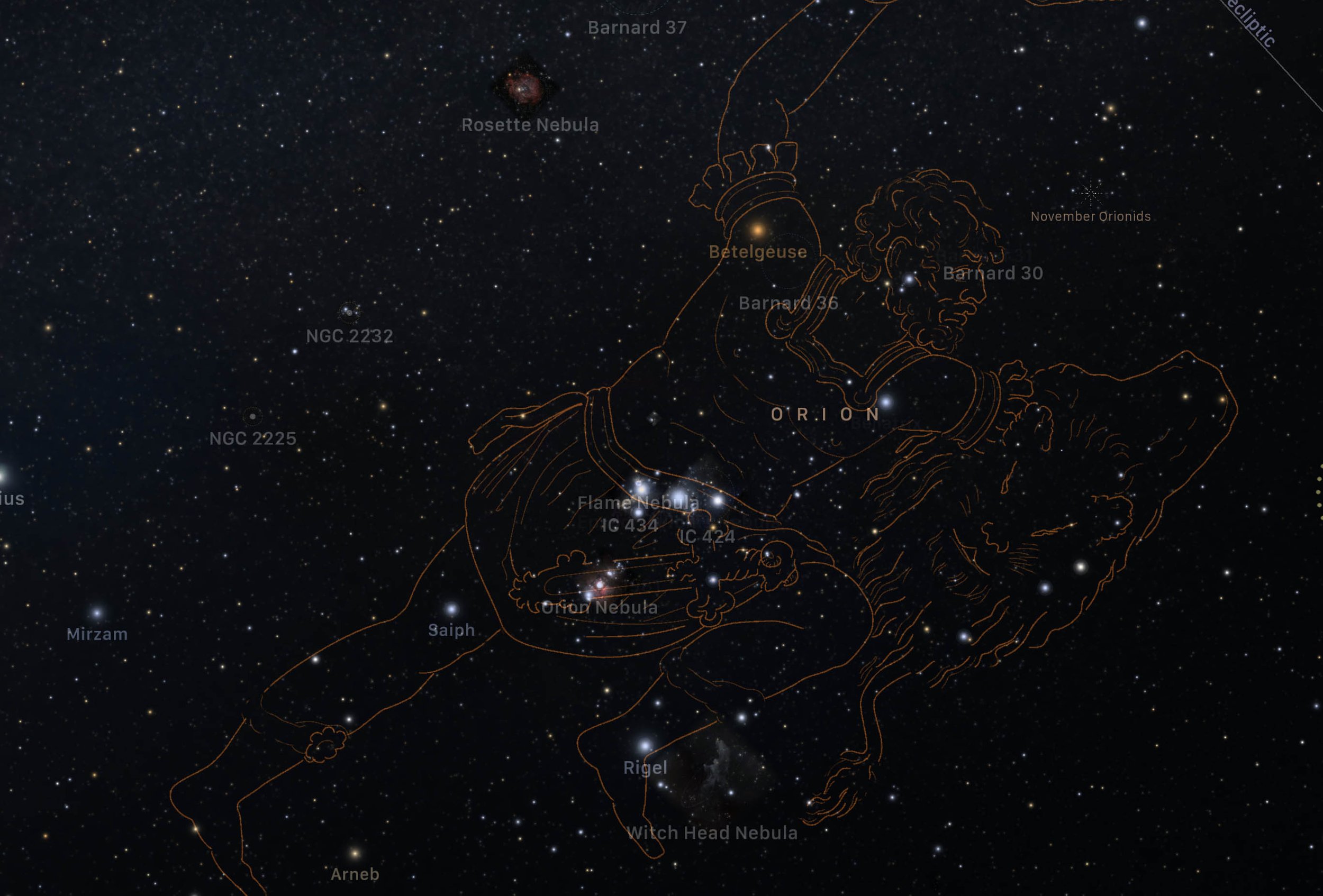
Constellations
Browse all 88 constellations and learn their stories and where to find them in the sky. Choose from detailed re-creations of Alexander Jamieson's classic drawings, or modern or classic stick-figures, to help you learn to identify each constellation.
-
![]()
Time controls
Plan a specific date, re-create the distant past, travel to the future, or explore celestial motion, with powerful and easy time controls
-
![]()
Spacecraft
You won't be able to see it in your telescope, but Luminos Pro lets you ride along with a sports car and several other spacecraft and explore the timelines of their missions!
-
![]()
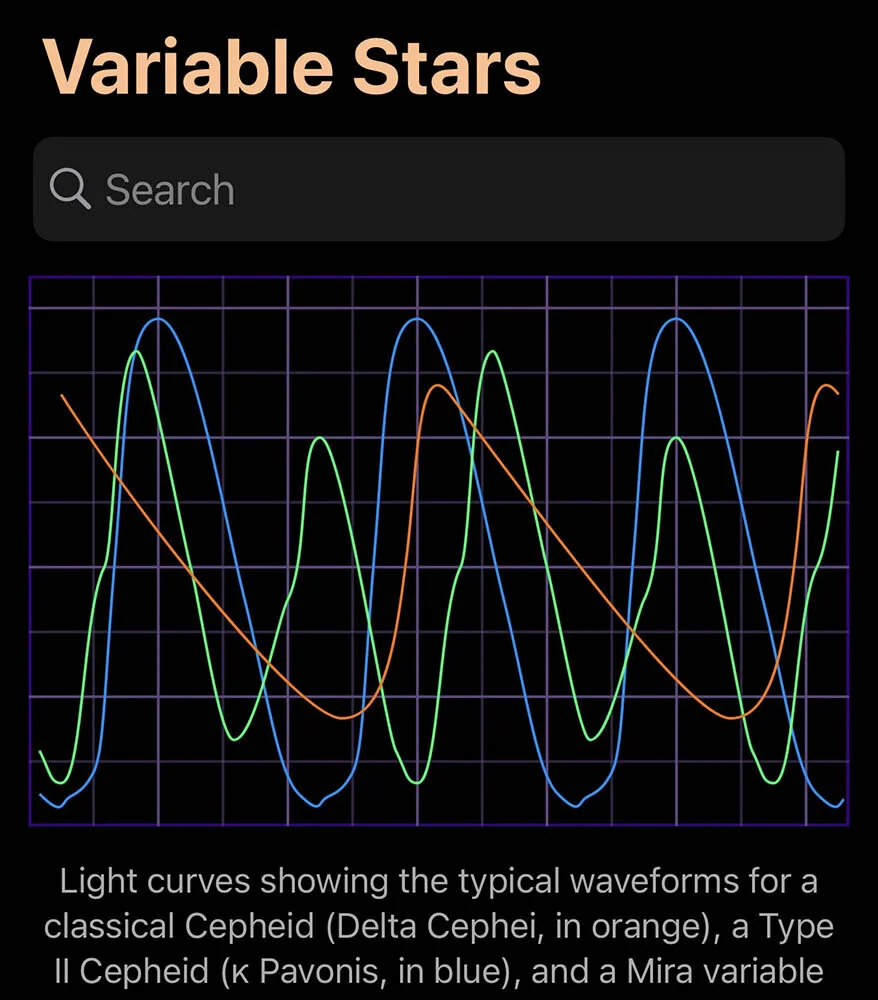
Variable stars
Browse and search double stars by numerous Cepheid and RR Lyrae subclasses











Gallery
The interface speaks for itself in this gallery of screenshots showing Luminos Pro’s many features
Affordable pricing
All subscriptions include a one month free trial - cancel any time
(tip: if you cancel during the free trial, you still get to finish the free trial!)
1 month
Maximum flexibility
Pay-as-you go gives you the freedom to stop your subscription during months you don’t need it
$3 / month
3 months
Flexibility + Savings
Enjoy 15% savings without a long commitment
$7.50 ($2.50 / month)
1 year
Maximum Savings
Save 30% while ensuring Luminos Pro is always available and up-to-date
$24 ($2 / month)